MVP: how to launch your app in 8 weeks without burning your budget
Contents
- What goes into an MVP, and what do you cut?
- What should you never cut from an MVP?
- Why isn't an MVP without a success metric an MVP?
- What do the 8 weeks look like?
- What fixed costs do you have to publish in the stores?
- Should you launch on iOS, Android and web at once?
- When don't you need us?
- What does Navitech do for an MVP?
- Frequently asked questions
- Have an app idea?
- Sources
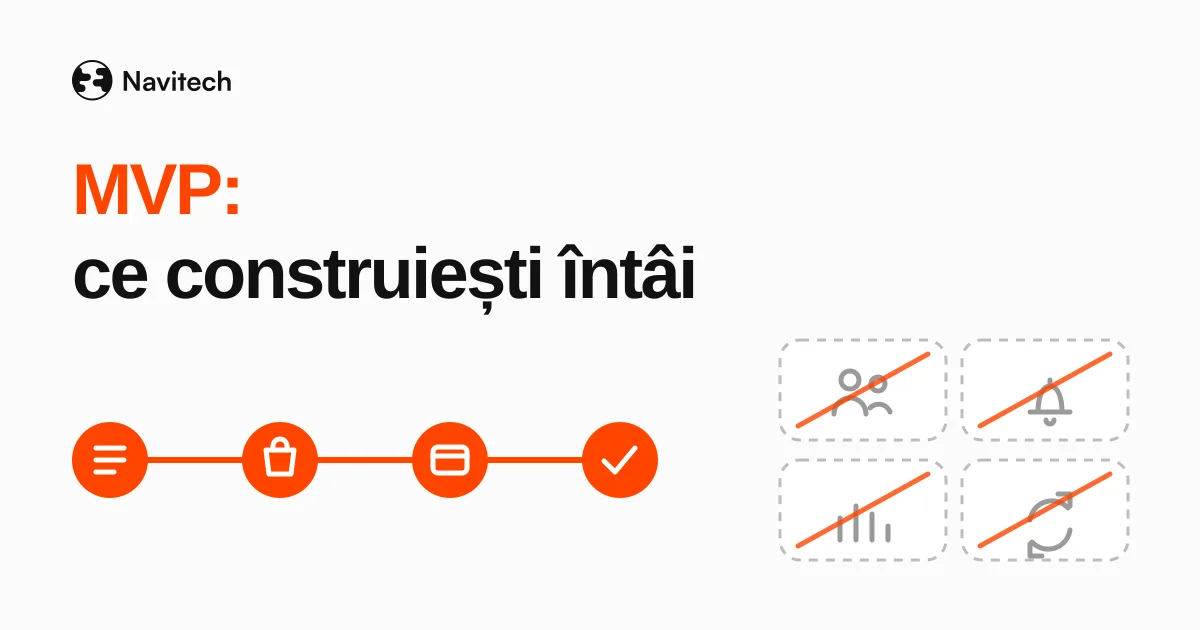
What is an app MVP? It's the smallest version that takes a real user through a single flow, end to end, and tells you whether the idea deserves more money. It's not a cheap app. It's a list of things you choose not to build yet. Eight weeks is doable if you cut early and plan the testing App Store and Google Play require from day one.
This article isn't about what an app costs. It's about what you build first and what you leave out.
What goes into an MVP, and what do you cut?
Start from a single sentence: "User X wants to do Y." Anything that doesn't directly serve that sentence stays out of the first version.
Example: an ordering app for a restaurant. The core flow is menu → order → payment → confirmation. That's the shape of Akropoli Delivery, the app we built for a Greek restaurant: customers browse the menu, customize their order and pay from their phone. A loyalty program, reviews or repeat orders aren't part of the core flow.
| Feature | In the MVP | In v2 | Never cut |
|---|---|---|---|
| The core flow, end to end | ✅ | ||
| Secure authentication (passwords, reset, sessions) | ✅ | ||
| Consent and privacy policy | ✅ | ||
| Basic analytics: how many start, how many finish the flow | ✅ | ||
| A single user role | ✅ | ||
| Multiple roles (admin, manager, customer) | ✅ | ||
| Personalized, segmented push notifications | ✅ | ||
| Dashboards and reports | ✅ | ||
| Recurring payments, subscriptions | ✅ | ||
| Integrations with CRM, accounting, e-invoicing | ✅ | ||
| A simple admin panel for content | ✅ |
Integrations and automations belong in v2, once you know which flow people actually use.
What should you never cut from an MVP?
Three things, however small the budget.
Secure authentication. An MVP has real users with real data. If your company is in the EU, or your app is offered to people in the EU, the GDPR requires "appropriate technical and organisational measures" to secure that data, and it makes no exception for test versions (Regulation (EU) 2016/679, Art. 32).
Data protection from day one. The same regulation requires "data protection by design and by default": you process only the data needed for the purpose (Art. 25 and Art. 5(1)(c)). For an MVP, that's good news. If you don't need a date of birth, don't ask for it, and you have one fewer field to build.
Basic analytics. Without it you can't tell whether the MVP worked, which means you can't apply the rule below.
Why isn't an MVP without a success metric an MVP?
Because it has no way of answering the question you built it for.
Before the first line of code, write down a number: "If 30 out of 100 users complete an order within 4 weeks of launch, we keep going." You pick the number, based on your market. What matters is writing it down before you see the data, so you can't make excuses afterwards.
Without that number, the MVP becomes a small app you keep improving without knowing why.
What do the 8 weeks look like?
Below is a rough plan for a typical MVP over eight weeks. Every project has its own pace, but the order of the stages usually stays the same.
| Week | What happens |
|---|---|
| 1 | The core flow on paper, the success metric, the cut list |
| 2 | Design in Figma, tested with 3–5 people from the target audience |
| 3–4 | Development: core flow, authentication, admin panel, analytics |
| 5–6 | Polish and internal testing. The Google Play closed test (minimum 14 days, for new personal accounts) and TestFlight start in parallel on day one of week 5 |
| 7 | Production access request on Google Play, App Store review submission, fixes |
| 8 | Launch |
Google Play testing is the part people discover too late. If you publish from a personal developer account created after November 13, 2023, you need at least 12 testers opted in continuously for 14 days in a closed test before you can apply for production access (Google Play Console Help). Fourteen days out of eight weeks is a lot. Leave them out of the plan and the launch slips.
Apple's review is faster than people expect: Apple says it typically reviews at least 50% of submissions in under 24 hours and 90% in under 48 hours (Apple App Review). That's if the app follows the App Review Guidelines. Otherwise it comes back and you lose days.
What fixed costs do you have to publish in the stores?
Only a few, and you can't avoid them:
| Cost | How much | Source |
|---|---|---|
| Apple Developer Program membership | $99 a year | Apple |
| Google Play Console account | $25, one time | Google Play Console Help |
| App Store commission, via the Small Business Program | 15% on paid apps and in-app purchases, if you made up to $1 million in proceeds in the prior year (or you're a new developer) | Apple |
One more technical requirement: from August 31, 2026, new apps and app updates on Google Play must target Android 16 (API level 36) (Google Play Console Help). For a new MVP that's not a problem, but it matters if you're starting from old code.
Should you launch on iOS, Android and web at once?
No. Don't launch on three platforms until you've validated the flow on one.
Pick the platform based on your audience. If the app is for a company's employees, a web app they open in the browser may be enough. If it's for consumers, look at where they are. Every extra platform means another round of testing and another review, plus one more place for bugs to show up.
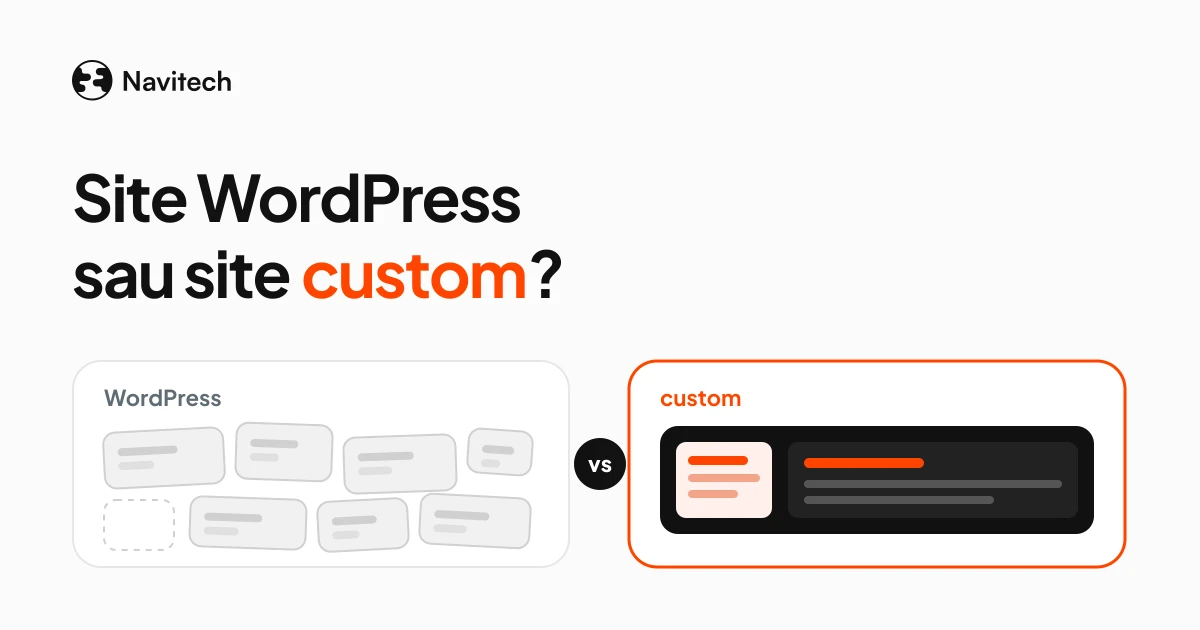
Sometimes what you call an "app" is really a website with a few extra features. We wrote about the point where a website becomes an application in WordPress vs custom website.
When don't you need us?
When you just want to find out whether anyone cares about the idea. For a 2-week test, a no-code tool, a form and a spreadsheet can be enough. If 50 people won't fill in a form, an app costing several thousand euros won't convince them either.
Come to us once the test has worked and you need an app that runs with real users, with payments, accounts and data kept safe.
What does Navitech do for an MVP?
Navitech's Web/mobile app package starts at €5,000 excl. VAT and includes Figma design, custom development, integrations and MVP delivery in 2 months. You can see the projects we've delivered, from mobile apps like AutoHub and Akropoli Delivery to web apps like Dynamik ERP, on our work page.
Frequently asked questions
What does MVP mean?
Minimum viable product: the smallest version of a product that lets you learn something from real users. For an app, that means a single core flow that works end to end.
How much does an MVP cost?
It depends on the flow, the platform and the integrations. At Navitech, web and mobile apps start at €5,000 excl. VAT.
Can I launch an MVP in less than 8 weeks?
On the web, sometimes. On Android, from a new personal account, the closed test with 12 testers for at least 14 days is mandatory before production (Google Play Console Help), so plan it from the start.
Does the GDPR apply to an MVP?
Yes, if your company is established in the EU or you offer the app to people in the EU (GDPR, Art. 3). The regulation applies from your first real user, not from the "final" version (Regulation (EU) 2016/679). Collect only the data you need and protect it from the start.
What do I do after the MVP?
Look at the metric you wrote down before launch. If you hit it, pick the next item from the "v2" column. If you didn't, change the flow or stop, before you spend more. If you keep going, make sure people can find what you've built, including through AI assistants. Our GEO guide covers that.
Have an app idea?
Tell us what problem it solves, who uses it and which flow has to work in the first version. We'll tell you what we'd cut and send you a clear quote with a timeline.
Sources
- Google Play Console Help, App testing requirements for new personal developer accounts: https://support.google.com/googleplay/android-developer/answer/14151465
- Google Play Console Help, Target API level requirements for Google Play apps: https://support.google.com/googleplay/android-developer/answer/11926878
- Google Play Console Help, Get started with Play Console (registration fee): https://support.google.com/googleplay/android-developer/answer/6112435
- Apple, Apple Developer Program: https://developer.apple.com/programs/
- Apple, App Store Small Business Program: https://developer.apple.com/app-store/small-business-program/
- Apple, App Review: https://developer.apple.com/distribute/app-review/
- Apple, App Review Guidelines: https://developer.apple.com/app-store/review/guidelines/
- Regulation (EU) 2016/679 (GDPR), Art. 3, 5, 25 and 32: https://eur-lex.europa.eu/eli/reg/2016/679/oj
- Navitech, packages, prices and projects: https://navitech.systems/en, https://navitech.systems/en/work
Daniel-Ionuț Grigoraș